Crew EduQ

A Mobile App for an Educational Company

No items found.

about:

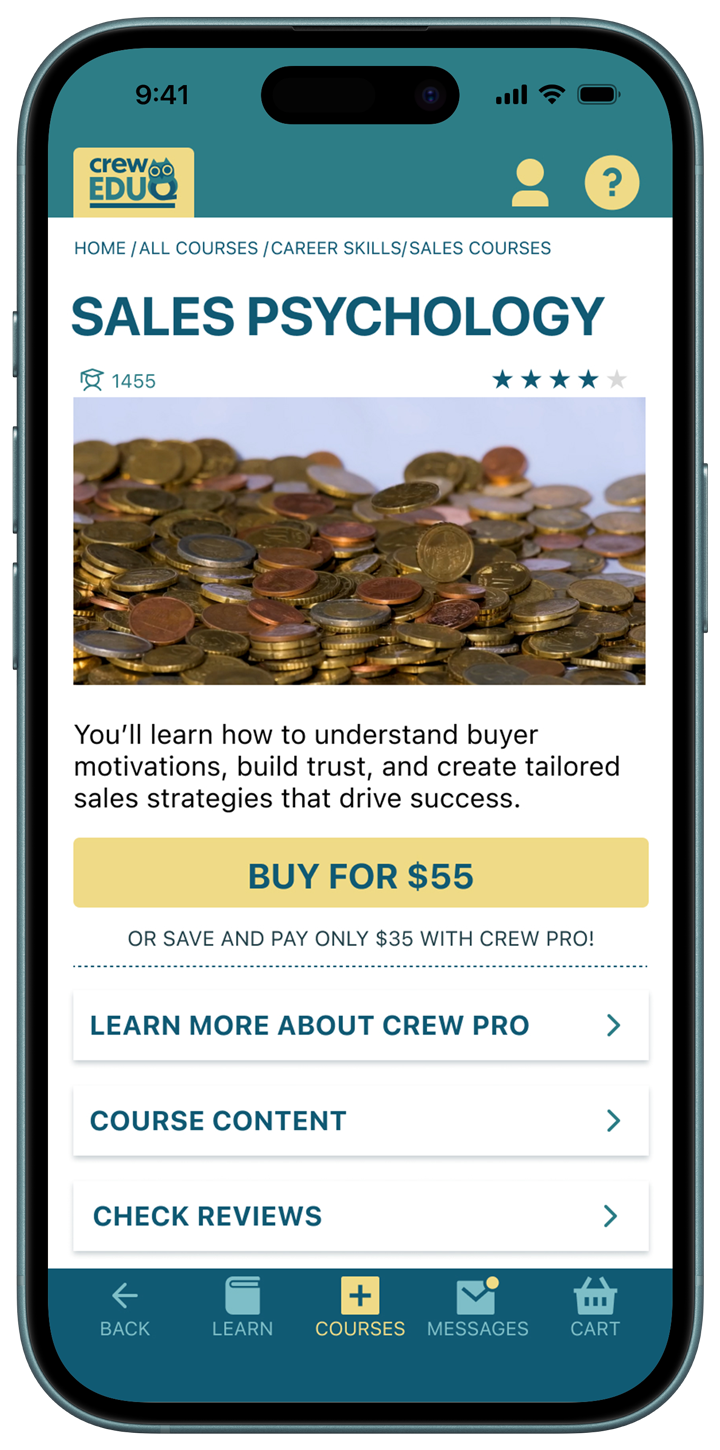
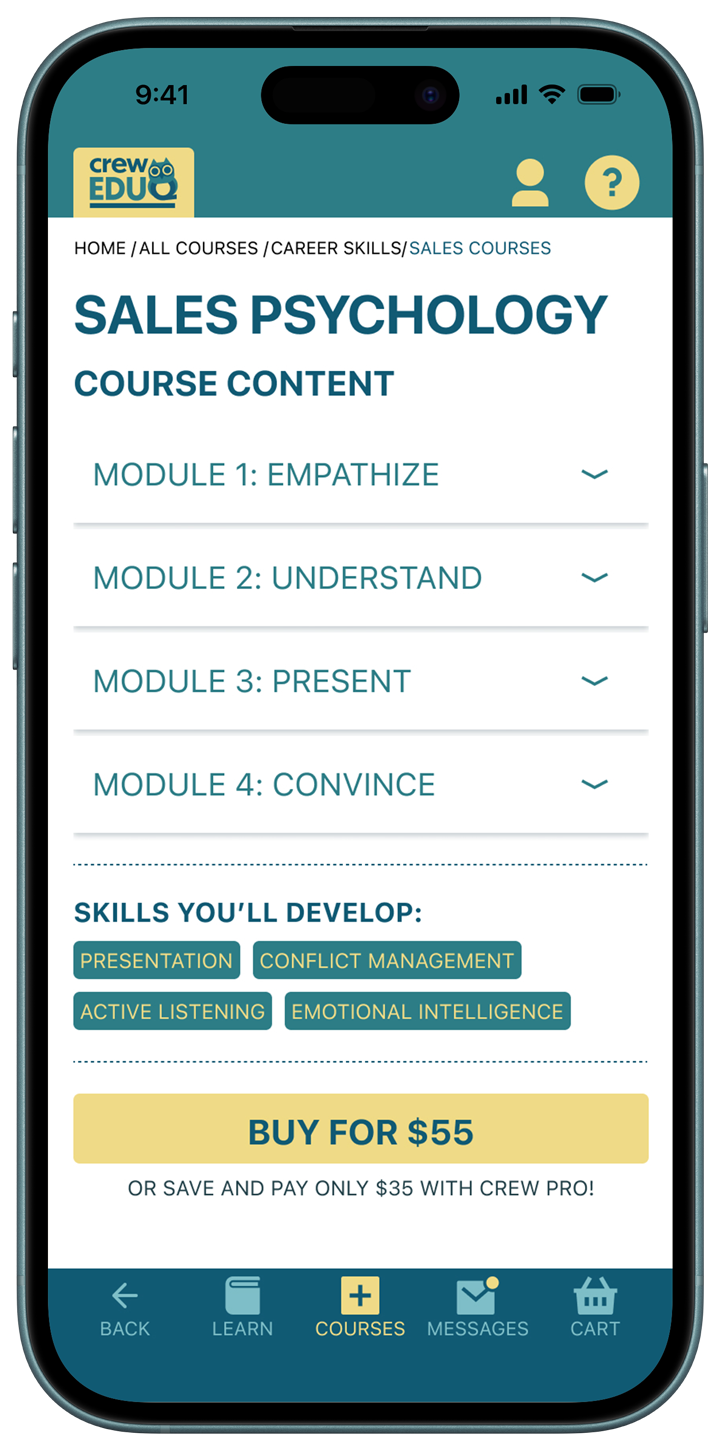
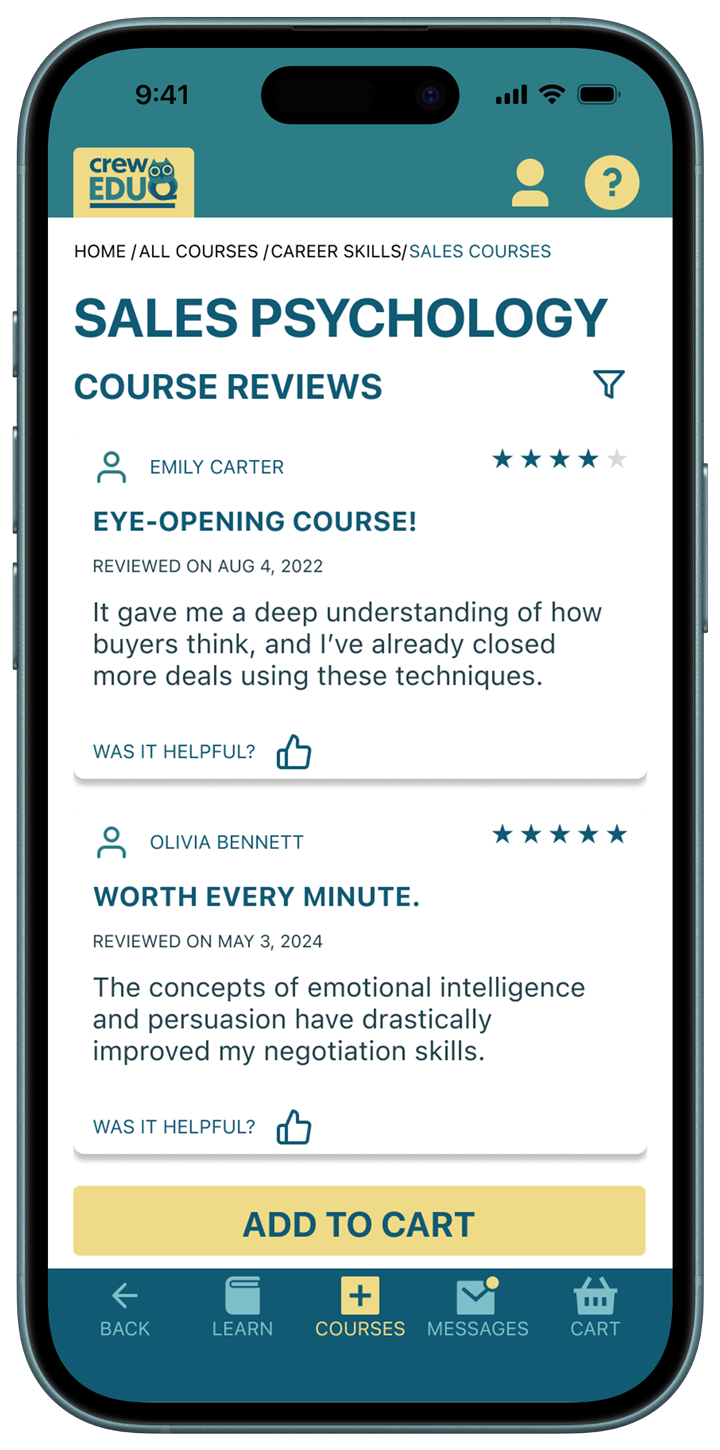
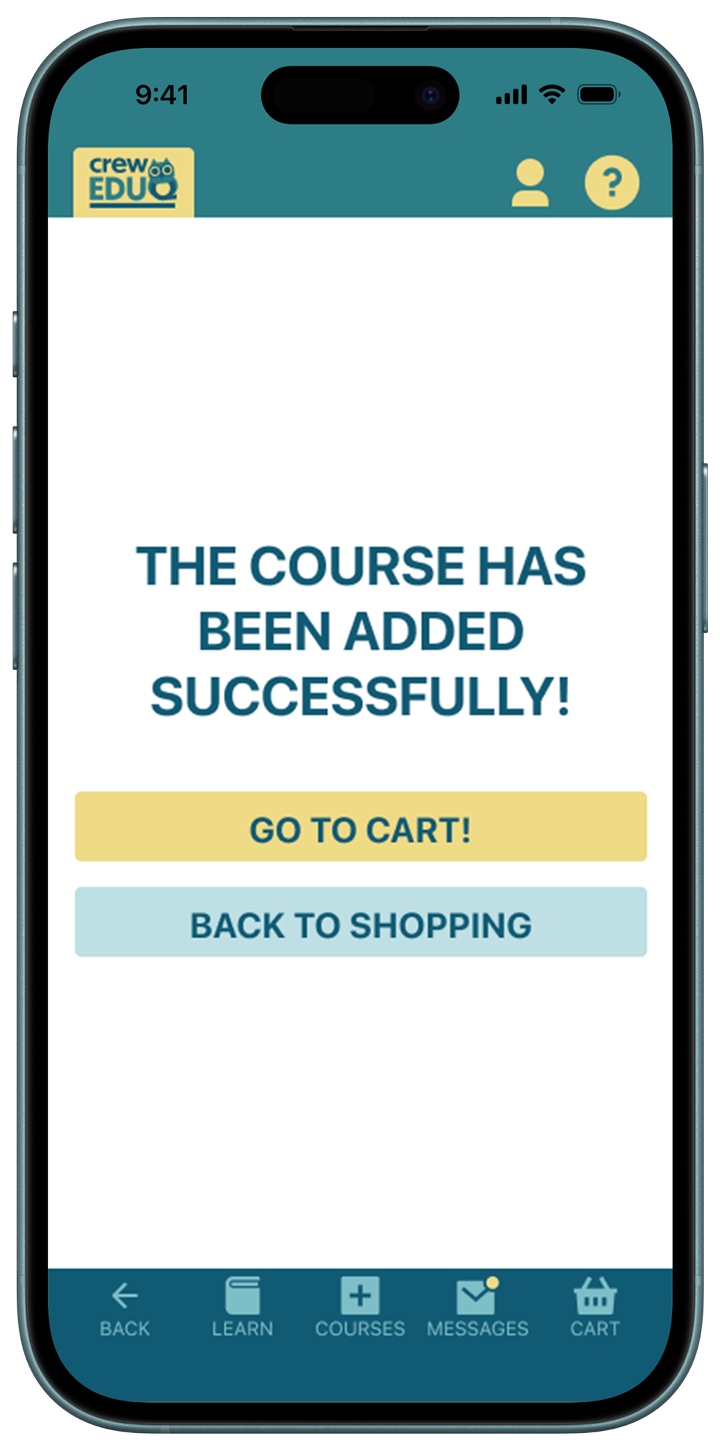
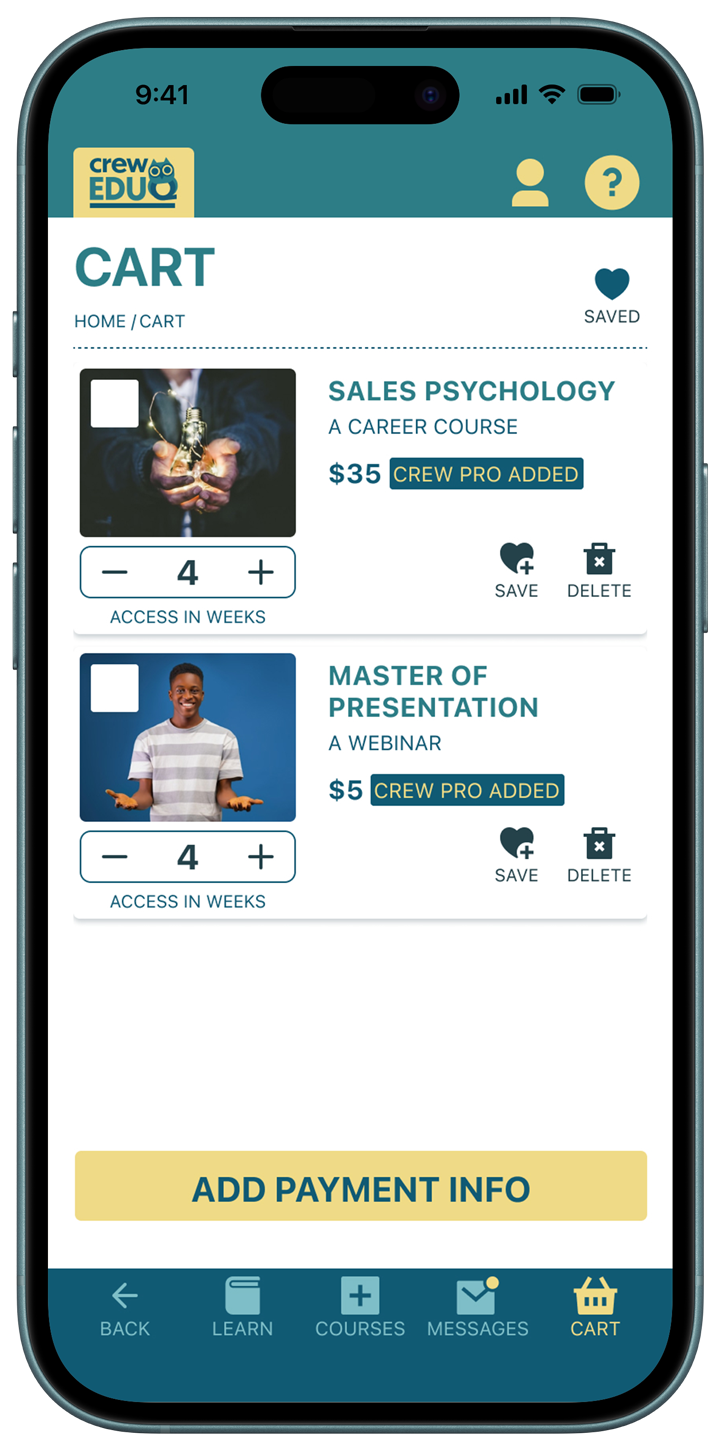
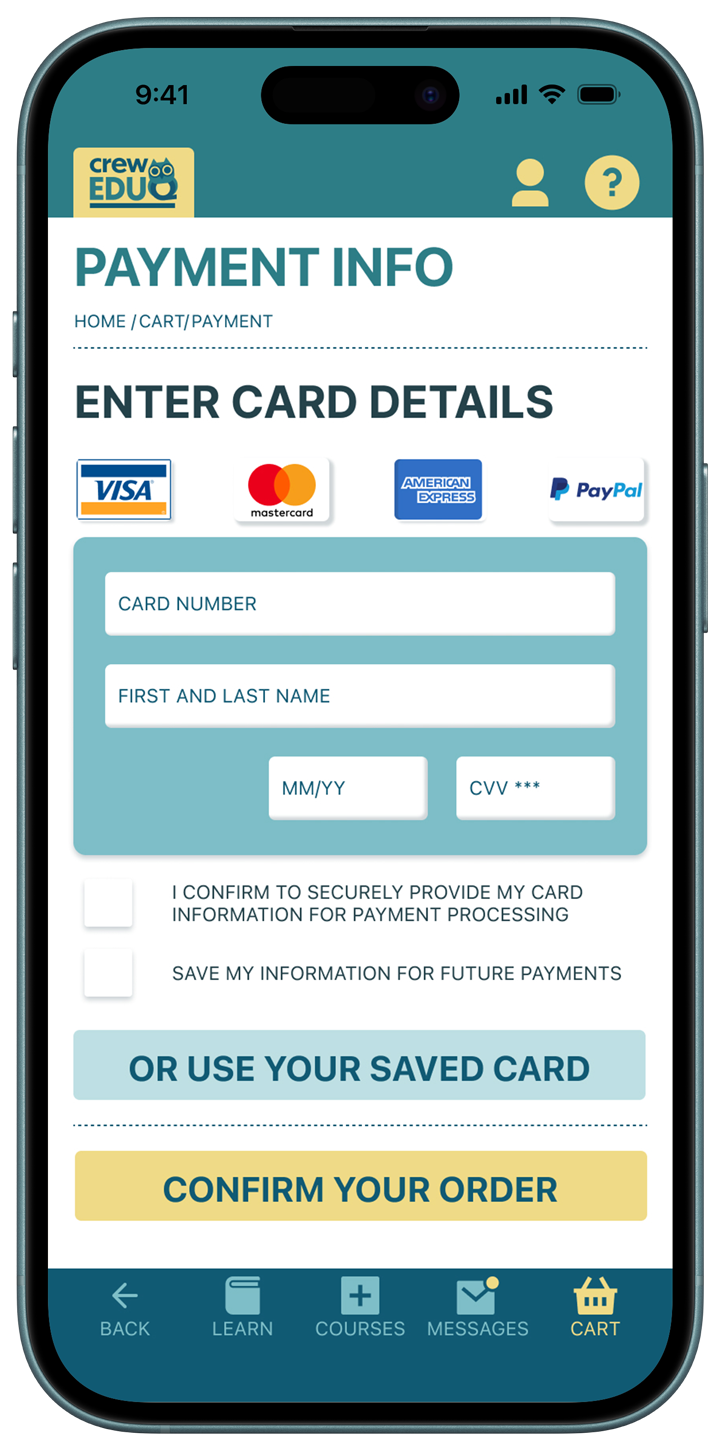
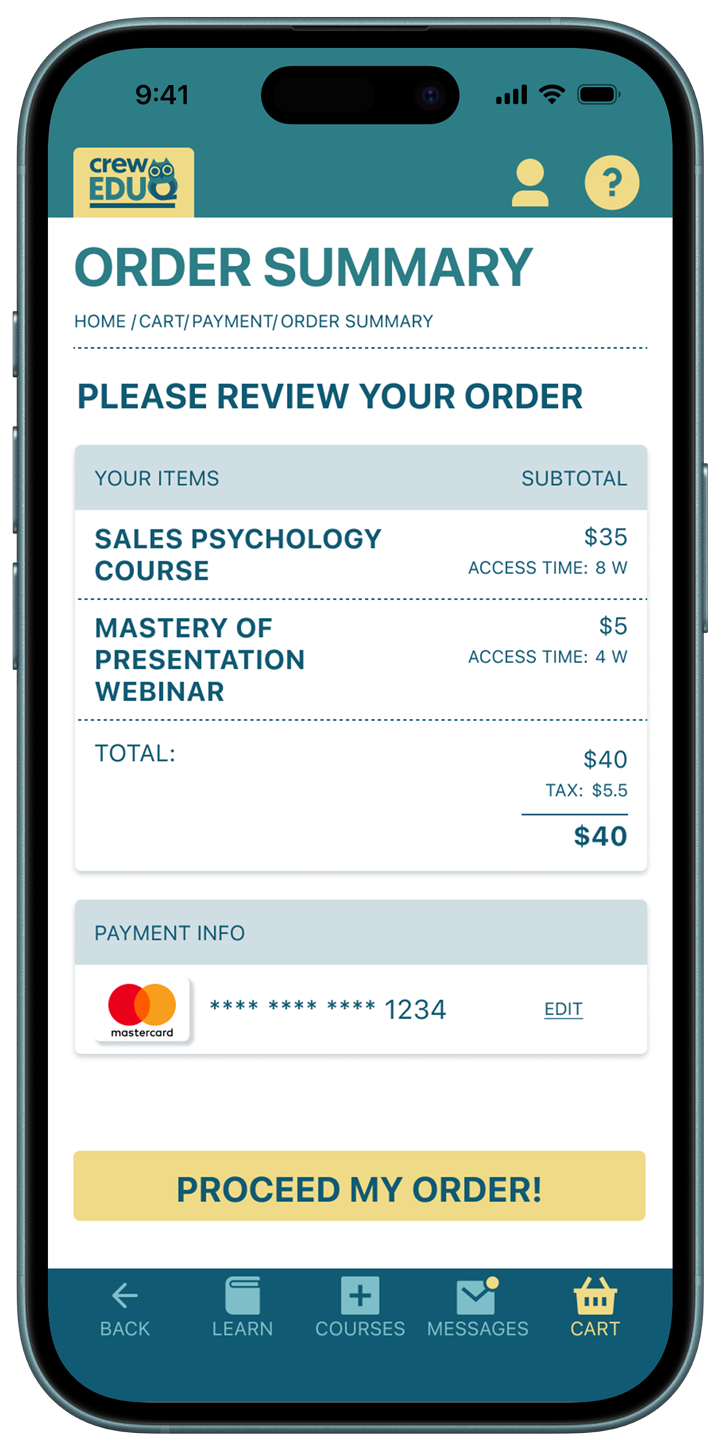
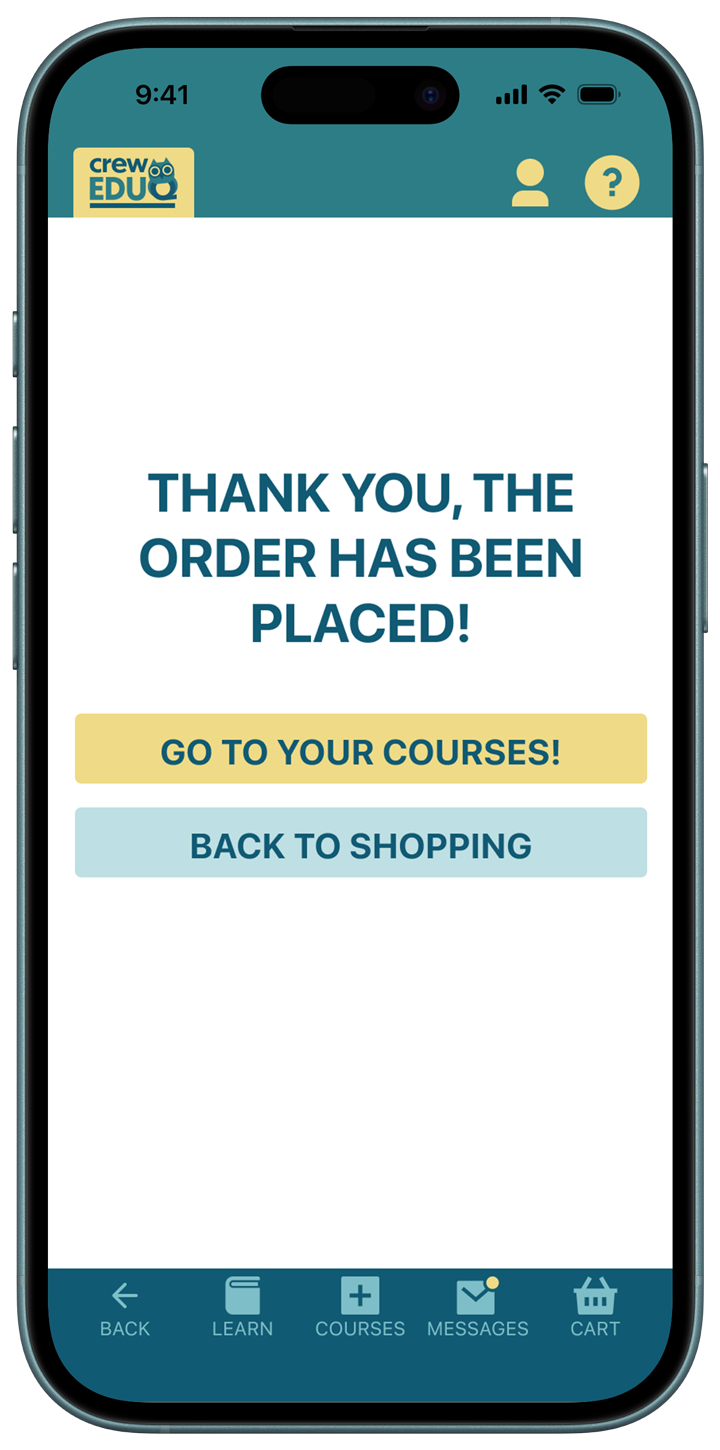
The Crew EduQ is a corporate education company. It needs a mobile app for clients' employees so they could have an easy access to the subscribed courses and ability to buy or order new services

My Role:

UX Designer, Brand Designer

Project Highlights

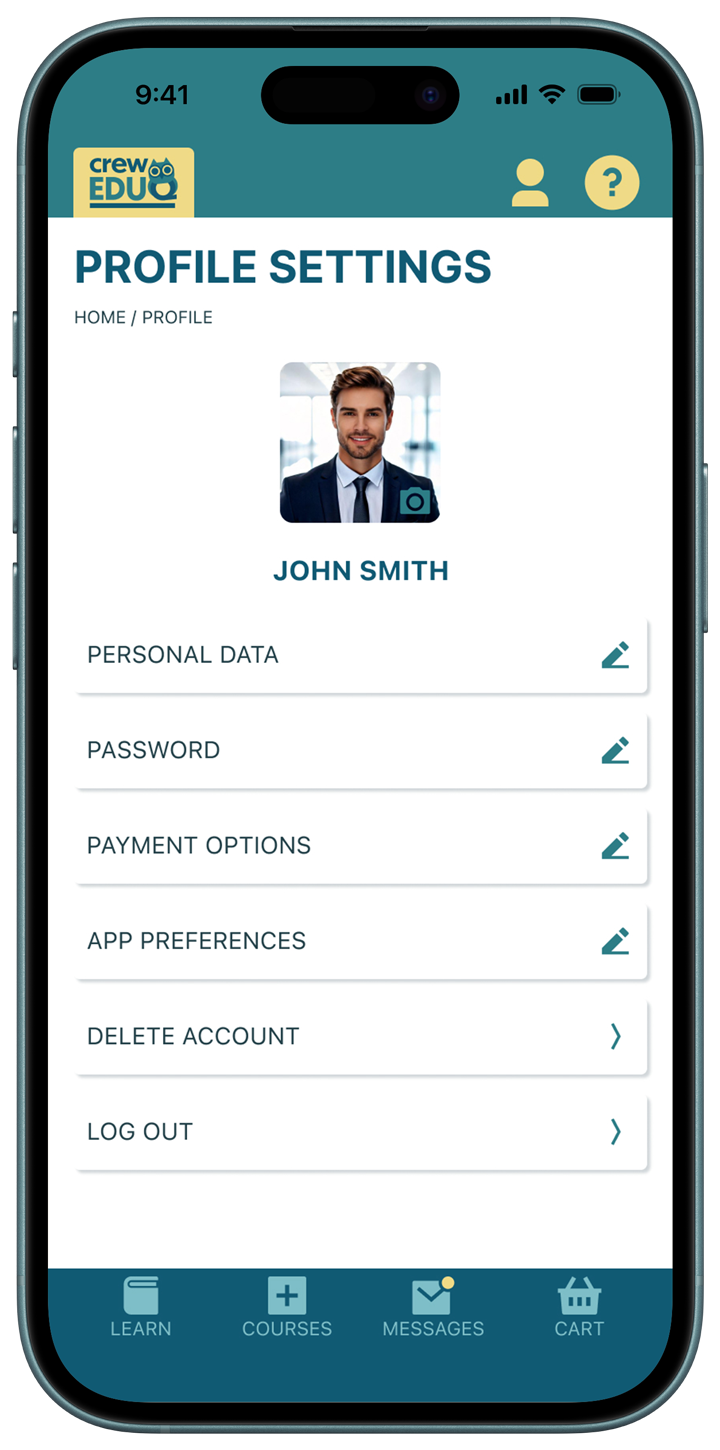
A Mobile App Design

Educational Startup

Friendly and Optimistic

Overview

The Crew EduQ is a corporate education company that creates tailored courses and training programs for small and medium businesses. It needs a friendly, modern, and even a bit playful brand style that helps the company stand out and show an easy-going character.

Product

Custom-designed corporate training programs delivered through an integrated digital platform.

Target Audience

  • HR departments and talent managers
  • Founders, CEOs, and business owners
  • Growing startups and mid-sized organizations
  • Public and non-profit institutions

Brand Personality

Friendly. Intelligent. Innovative. Dynamic. Focused on progress.

Crew EduQ

: Research

Design Foundation

The mobile app experience was built directly on the Crew EduQ brand system to ensure visual and strategic consistency across all touchpoints.

The brand identity aims to establish a balance between professionalism and an easygoing, friendly approach to learning.

Brand Principles Product

  • Progress → Clear hierarchy, structured layouts, forward navigation patterns
  • People-Centered → Friendly tone, approachable color palette, human-focused messaging
  • Innovation → Clean interface, modern UI components, dynamic layout system
  • Integration → Consistent typography, color logic, and scalable component system

Crew EduQ

: Design Process

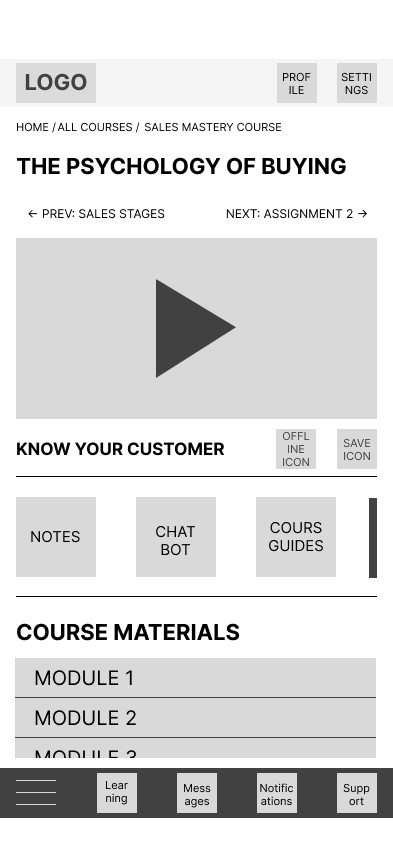
Mid-Fidelity Prototype

No items found.

Usability Testing: To Buy a New Course Journey

Insights
1. Task Completion

Both participants successfully completed the primary task (browsing and selecting a course).

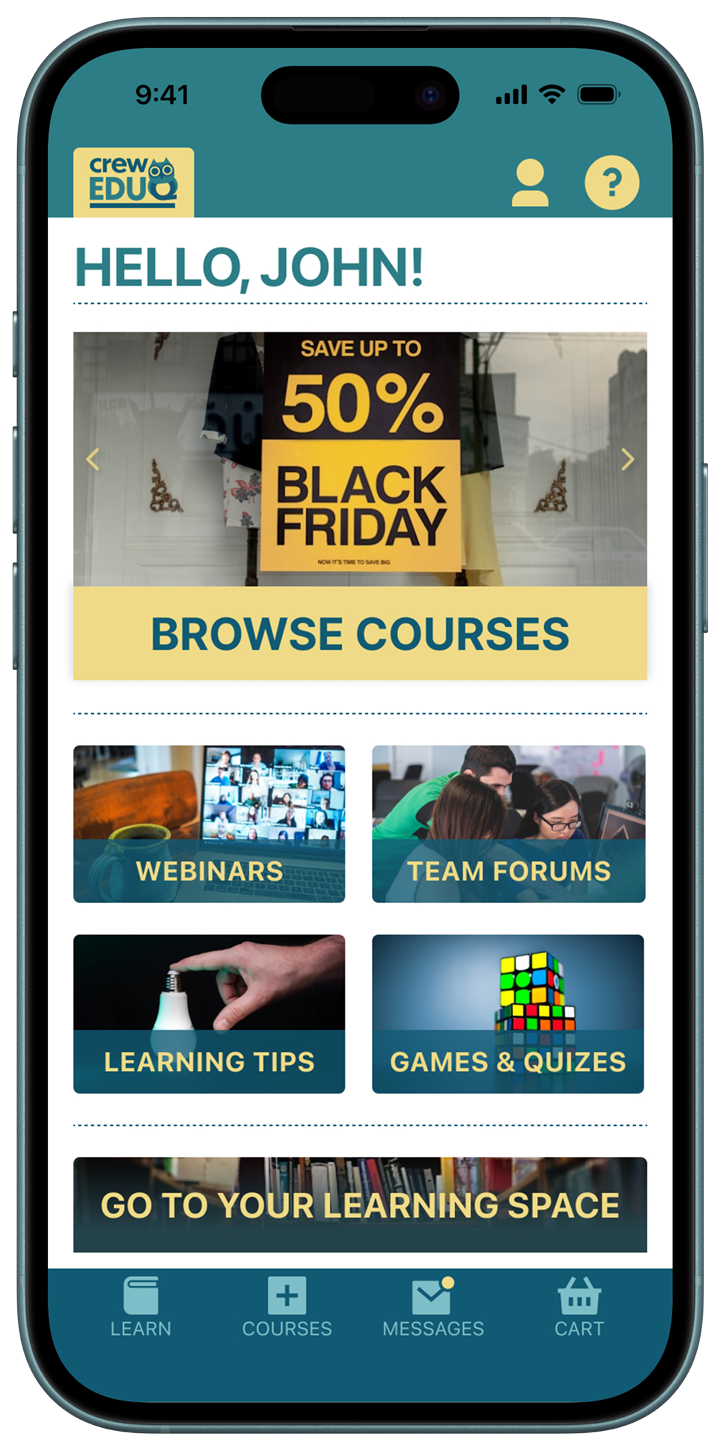
2. Home Screen Navigation
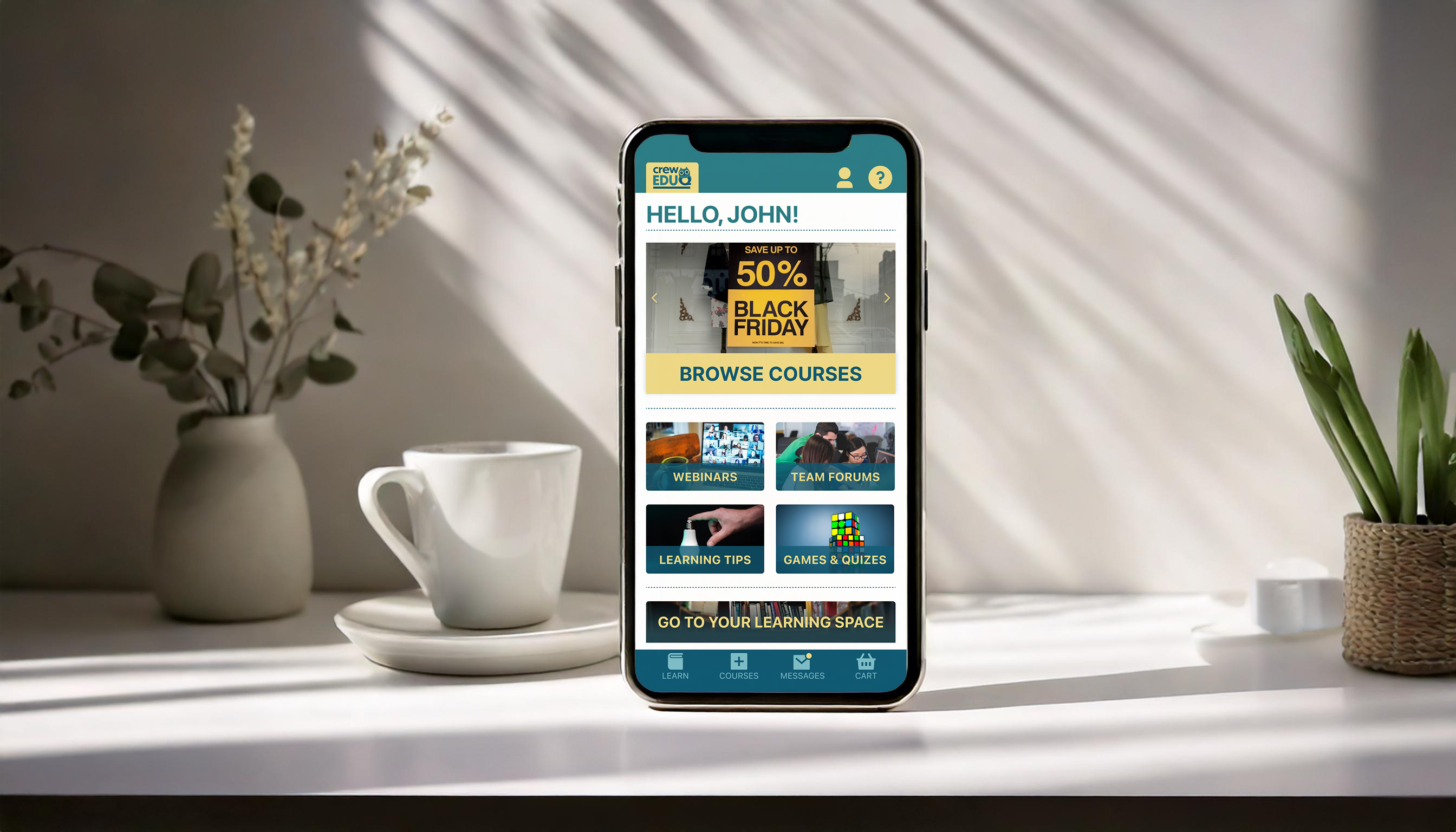
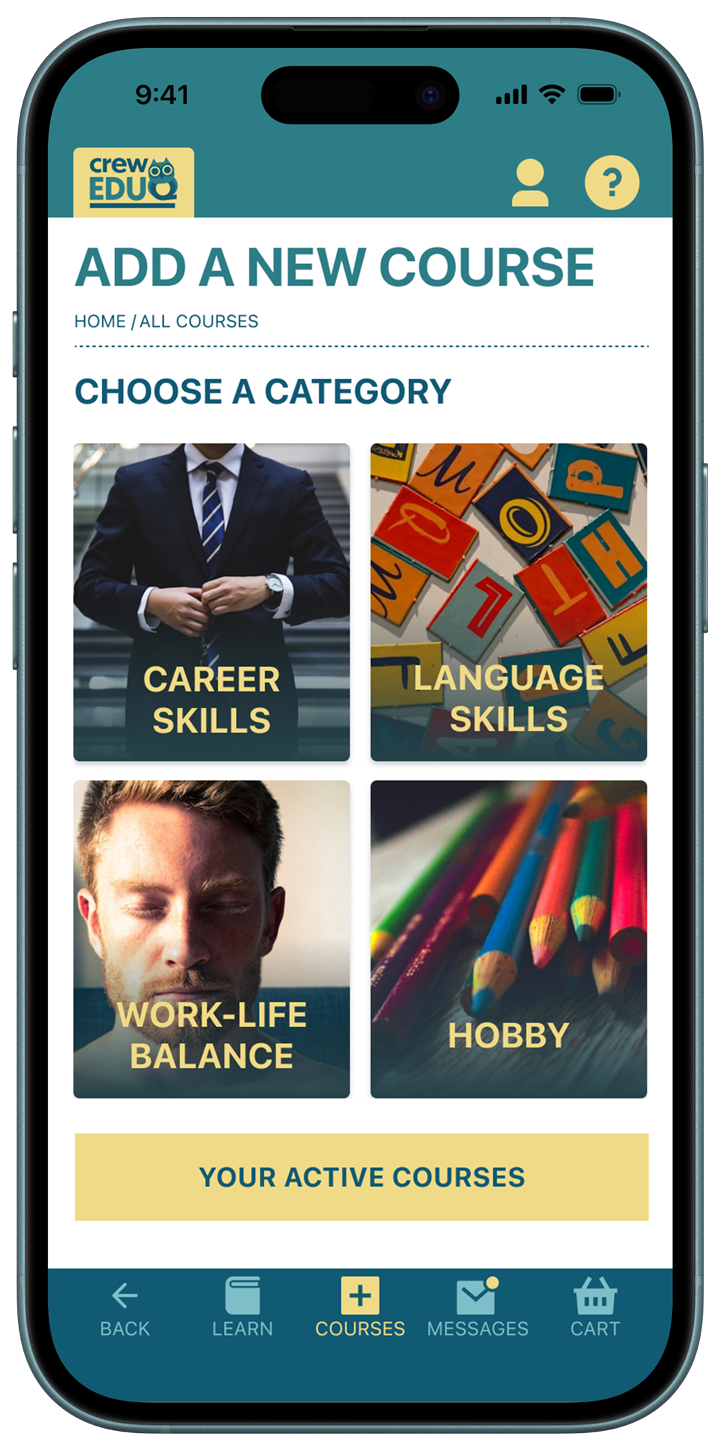
  • Users expected a clear button leading to the Category screen, rather than a linked image.
  • The advertisement banner felt visually misplaced and would work better positioned at the top.
  • The Home screen was perceived as slightly visually busy.

Insight: Clear hierarchy and stronger primary CTAs would improve usability and reduce cognitive load.

3. Navigation & Wayfinding
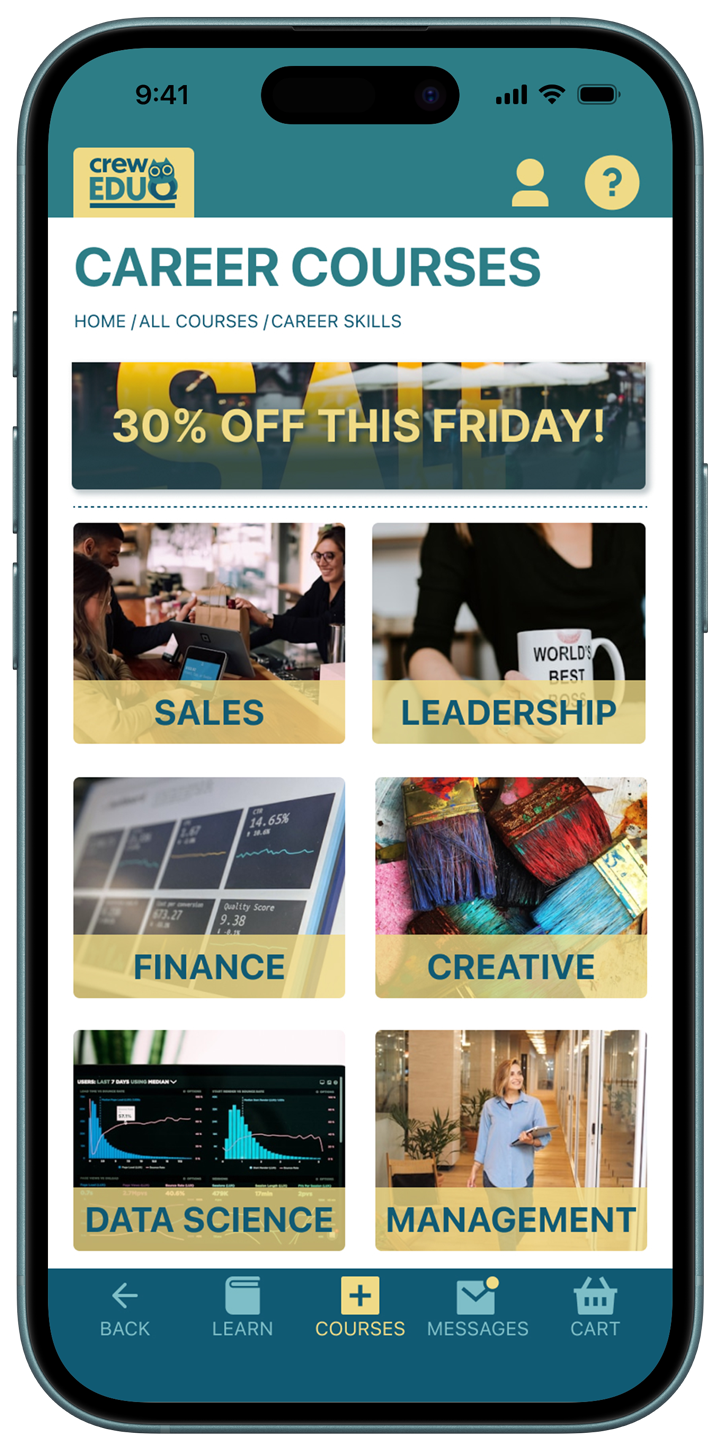
  • It was unclear how to navigate back from the Course (subcategory) screen.
  • Participants suggested adding a back arrow in the top navigation.
  • A dedicated Home icon in the bottom navigation was seen as unnecessary if the logo links to the Home screen.

Insight: Users rely heavily on visible back navigation for confidence and orientation.

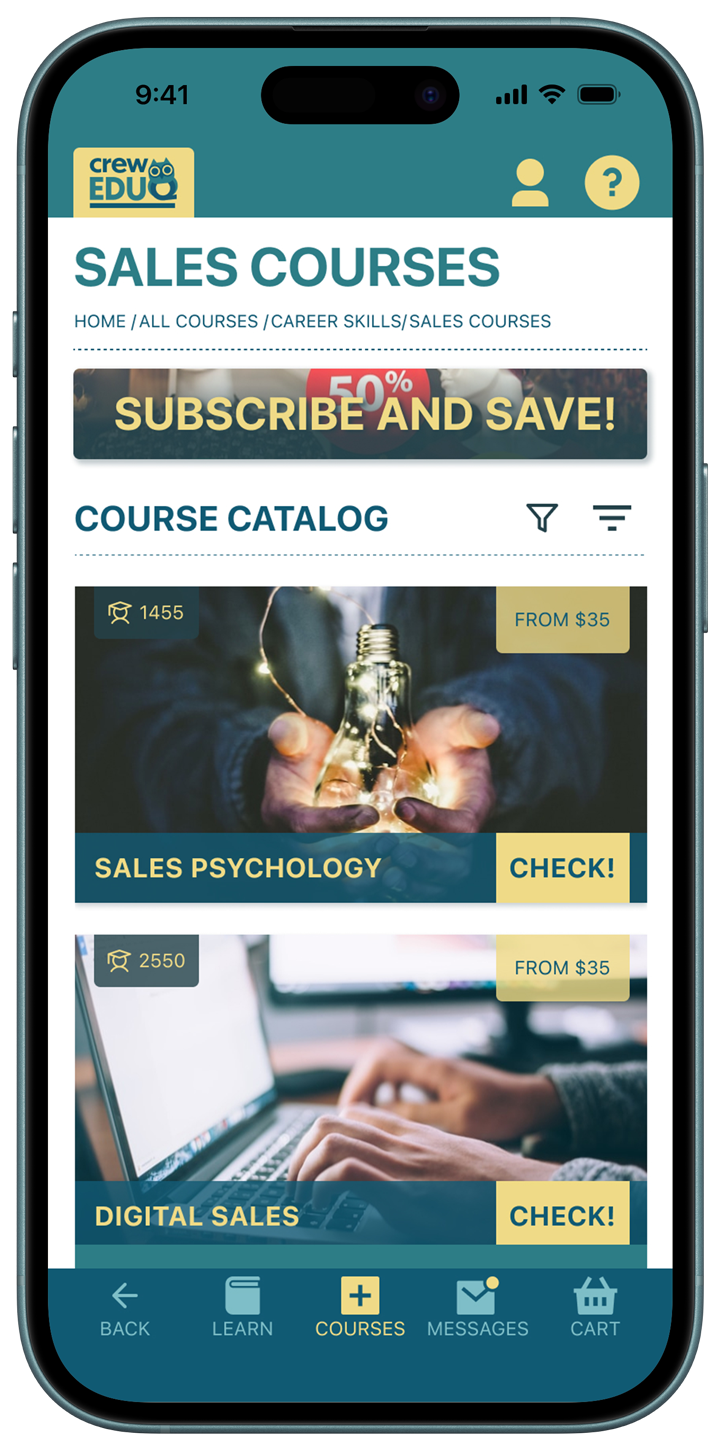
4. Course Information Clarity
  • Users preferred seeing the number of learners during course selection.
  • Ratings felt more appropriate on the detailed course screen.
  • The number of learners icon lacked clarity – descriptive text such as “Enrollments” would improve comprehension.

Insight: Users scan for social proof early in decision-making and benefit from explicit labeling.

2. Visual & Feature Feedback
  • The yellow button color was well received and felt engaging.
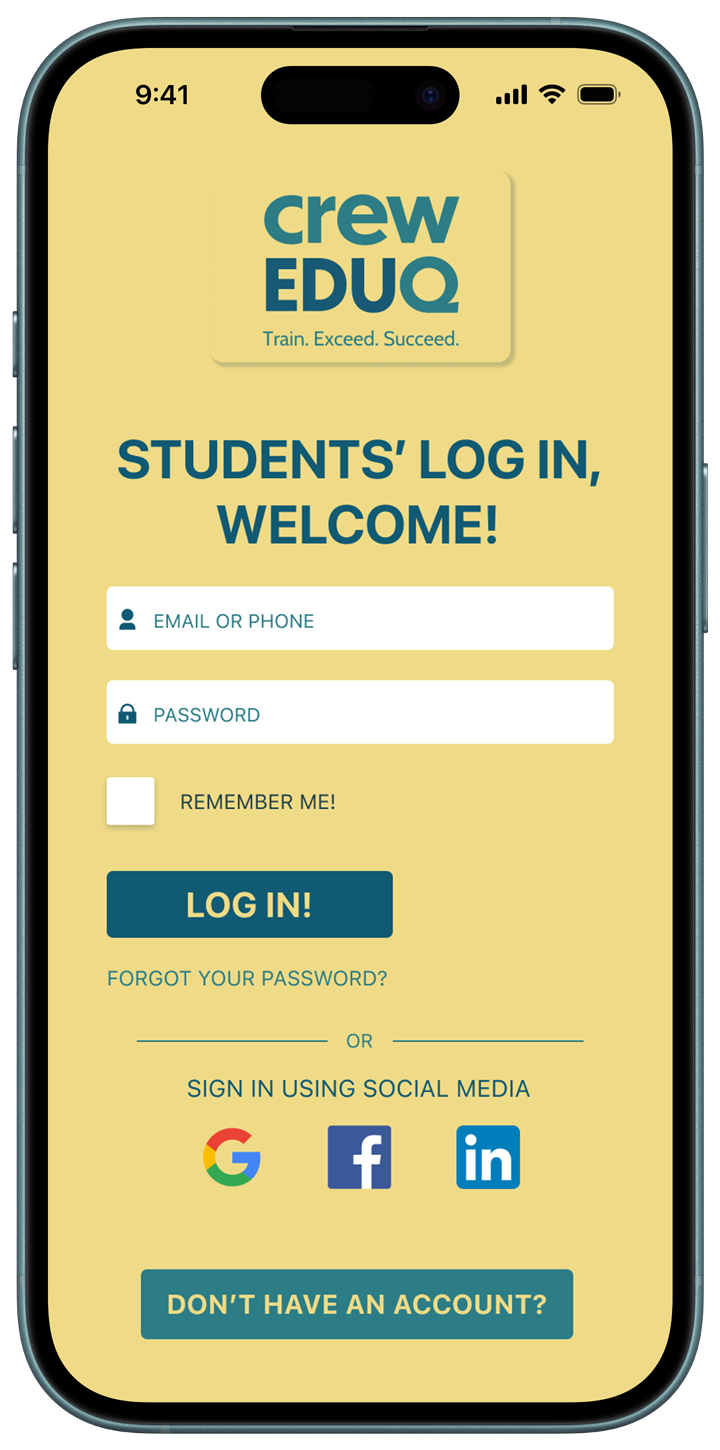
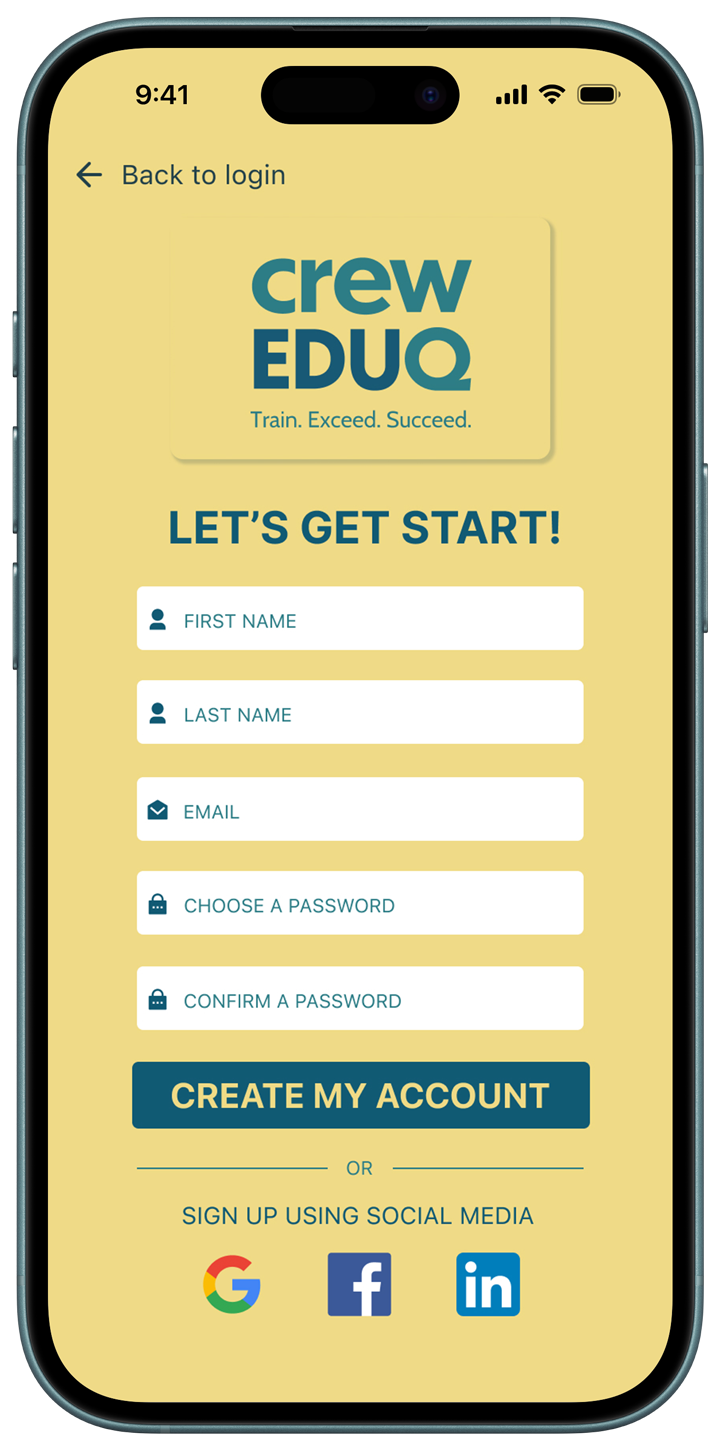
  • -Users expressed interest in social sign-in options (Google / Social Media).

Crew EduQ

Sign Up and Buy a Course

A whatsapp icon
Try the Figma Prototype!

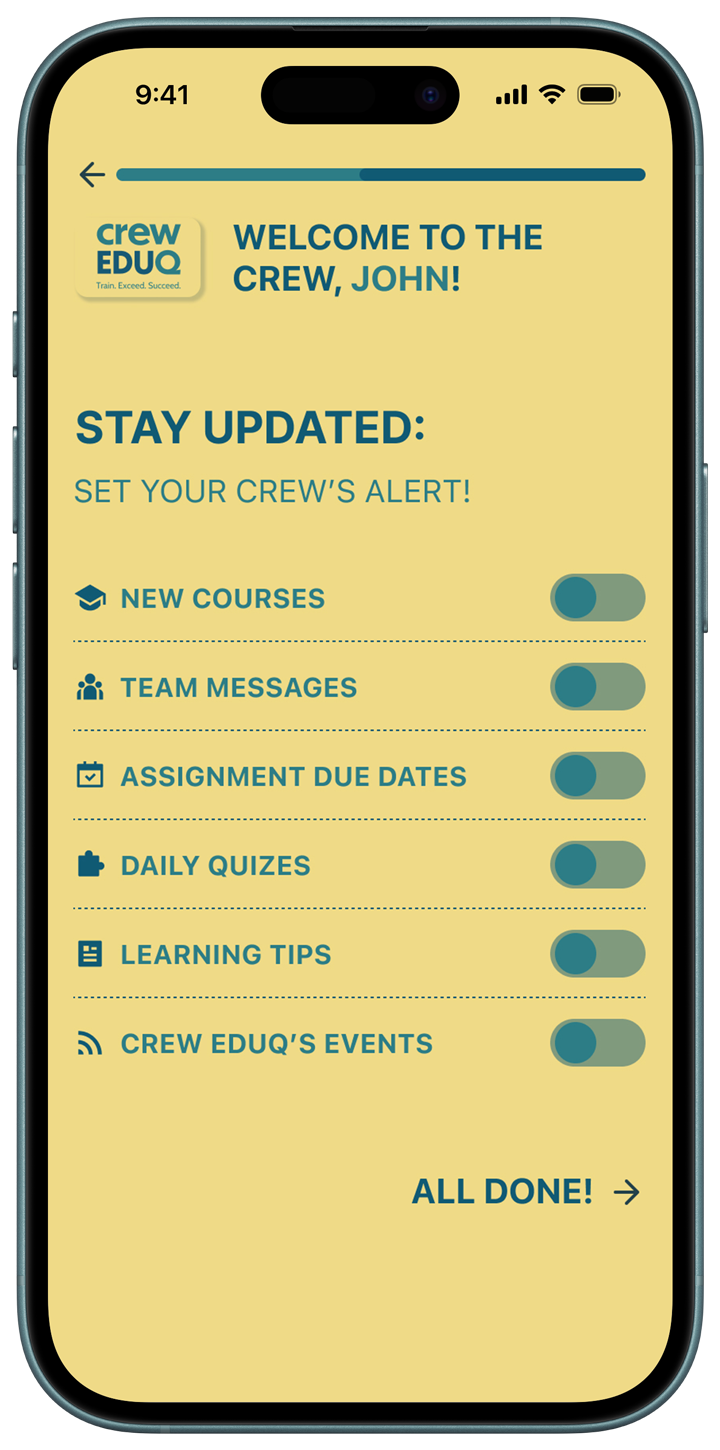
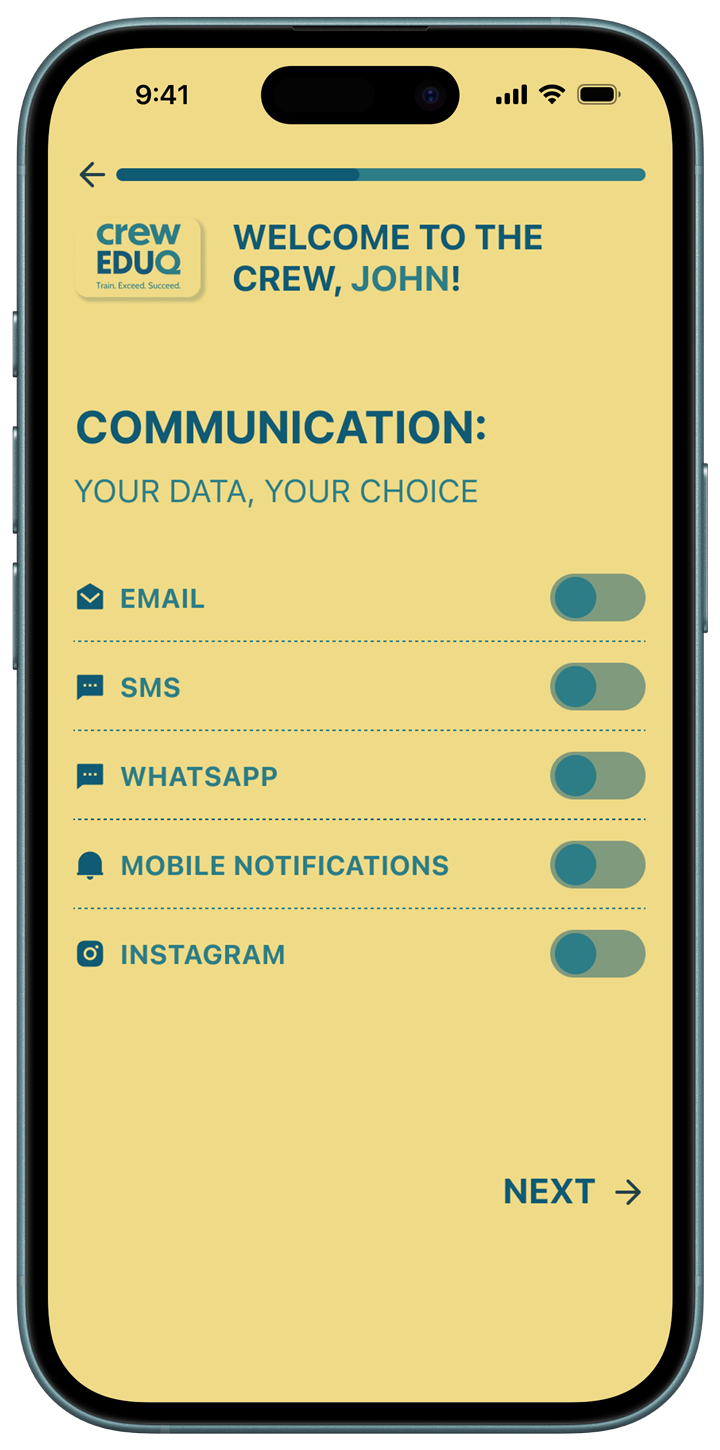
Sign Up Journey

No items found.
No items found.

A Course Choice Journey

No items found.
No items found.

A Course Purchase Journey

No items found.
No items found.

Project outcomes

Deliverables

  • Mobile App Design
  • 3 mobile user journeys
  • High-Fidelity interactive Figma Prototype

Future Plans

  • Role-based dashboards (HR vs. Employee)
  • Performance tracking & certification system
  • Team analytics & ROI measurement tools
  • AI-powered course recommendations
  • Cross-platform responsive expansion

Please, briefly share the highlights of your project:

- Is it for print or web?
- What is the deadline?
- What do you expect from our collaboration?

and anything else you see as important!

Thank you! Your submission has been received!
Oops! Something went wrong while submitting the form.