Homy Thermostat

Interface Design

No items found.
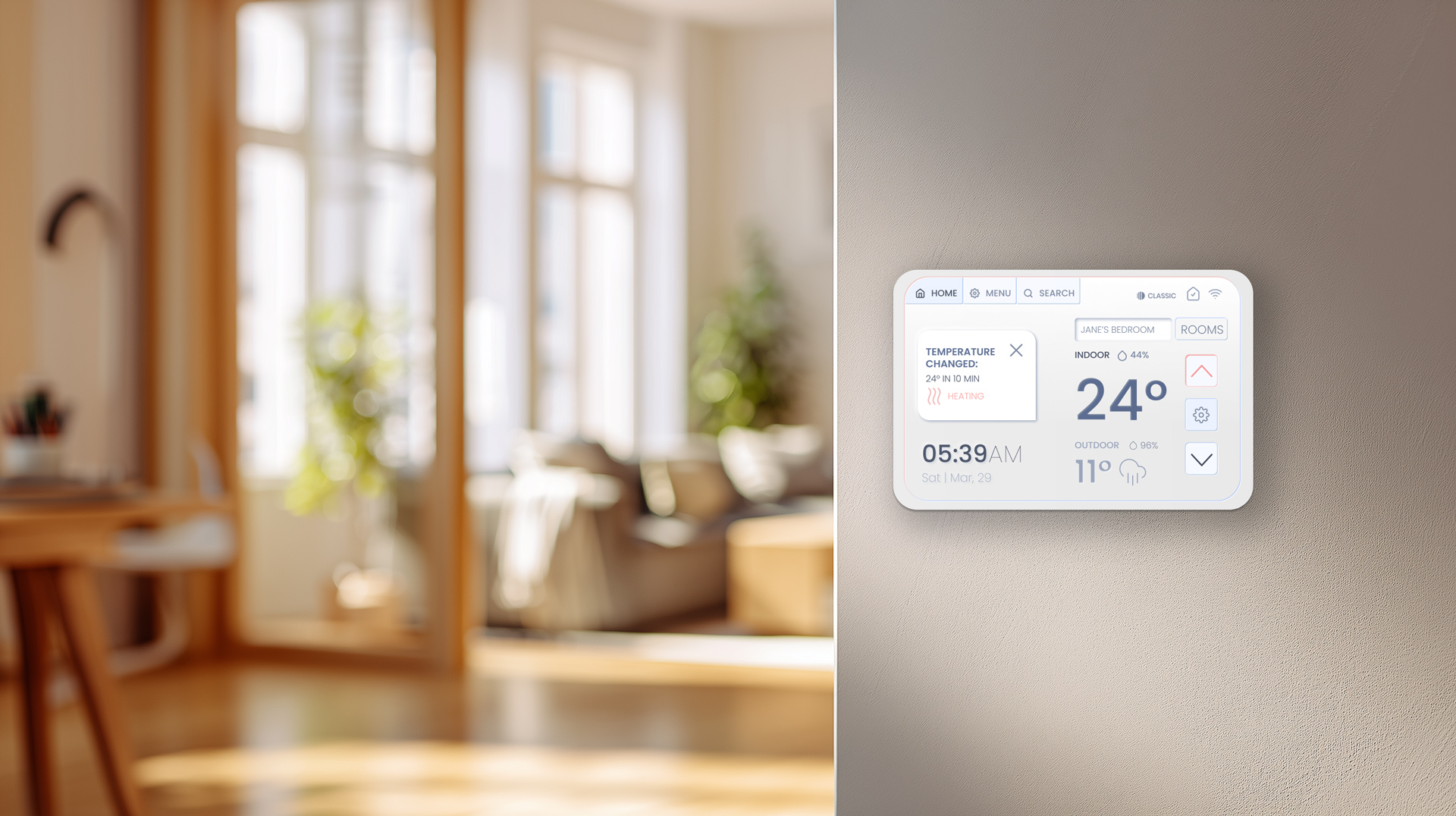
about:

A team project to create a universal thermostat design that could be convenient even for customers who don't want or can't use a mobile app (elderly people, Airbnb guests, kids).

My Role:

UX Designer, Project Manager

Project Highlights

Interface Design

Home Appliance

UX Design Case

Overview

Project Goal

Exploring different user needs and applying them to product design.

Project Results

A high-fidelity interactive Figma prototype of 3 user modes and setting a new device journey.

Contributors

Etual Fomina: UX Designer, Project Manager (Classic Mode)

Anya Parchomenko: UX Designer (Guest Mode)

Marina Vasileva: Visual Designer, Presentation Designer

Nas Jadidi: Visual Designer (Default mode)

Homy Thermostat

: Research

The idea

New HOMY is a universally designed thermostat that allows users to control and adjust the temperature to fit their preferences and habits. We believe that a truly user-friendly thermostat can’t be designed for just one type of user. Instead, it should create an intuitive and enjoyable user experience for everyone.

Meet HOMY - feels like Home. For everyone.

Positioning & Strategy

Design Problem

  • Smart thermostats are often optimized for one type of user – typically tech-savvy homeowners.
  • But homes are shared environments: seniors, kids, guests, short-term renters – each with different habits and levels of digital confidence and even permissions.

Temperature control should be accessible, familiar, and frustration-free. How can we create a universal device with modes for different preferences?

What If...

We create a single device with different modes, designed to be enjoyable and easy to use for everyone?

We integrate neumorphic design to create a tangleable experience while keeping the device free from physical buttons?

We integrate modern technology to make the experience smooth and accessible?

Homy Thermostat

Classic Mode

A whatsapp icon
Try the Figma Prototype!

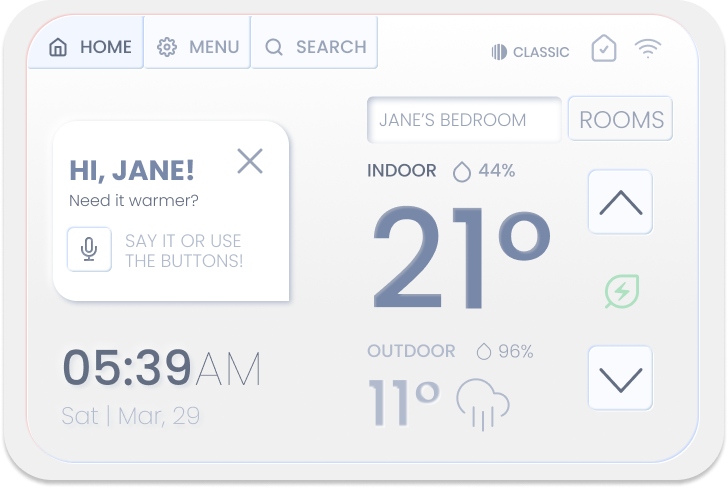
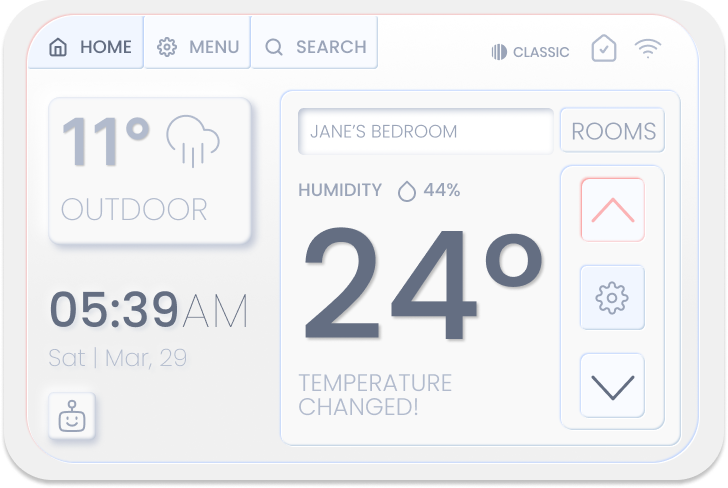
Home Screen States

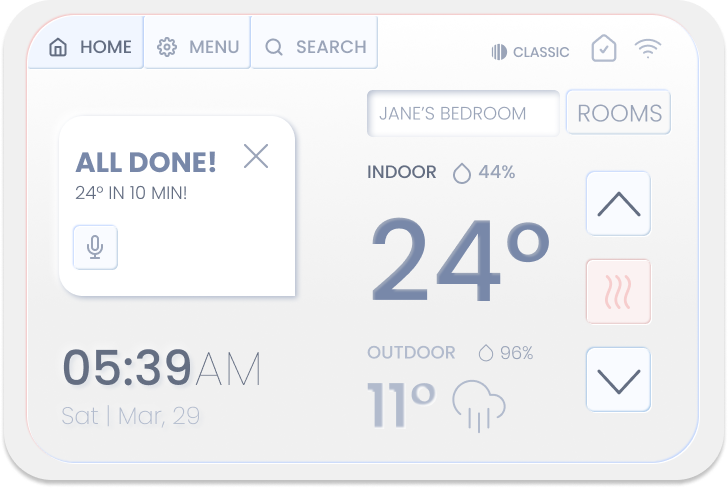
Night & Day Modes, AI Assistant ON & OFF

No items found.
No items found.

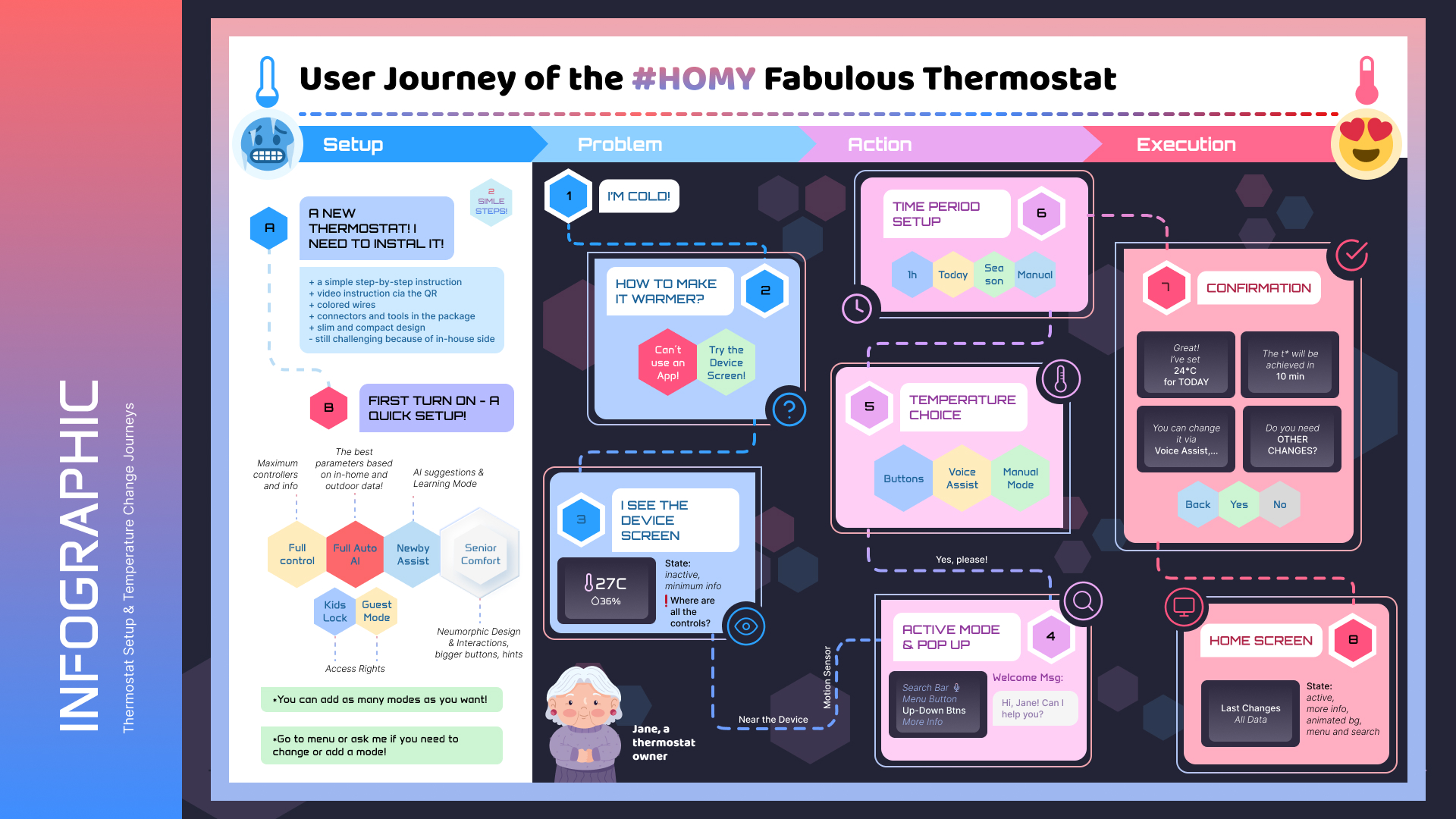
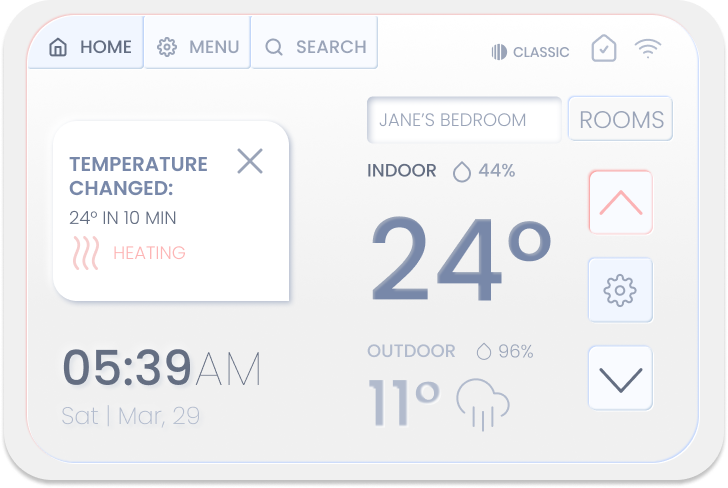
User Journey 1

Temperature Change from the Main Screen: the active screen activates by the motion sensor.

No items found.
No items found.

User Journey 2

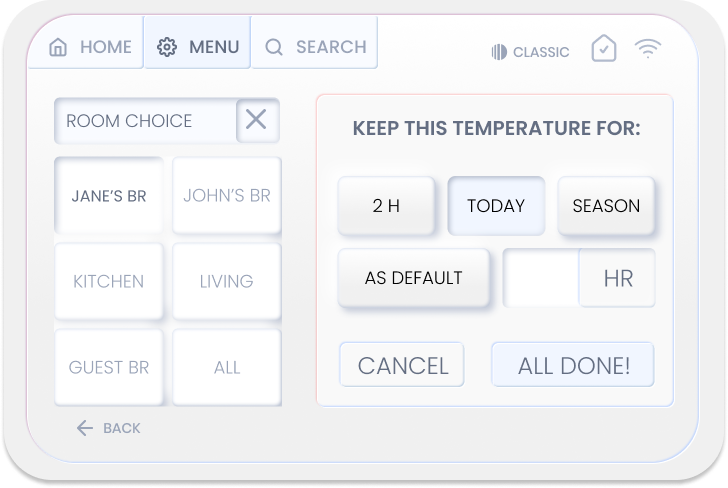
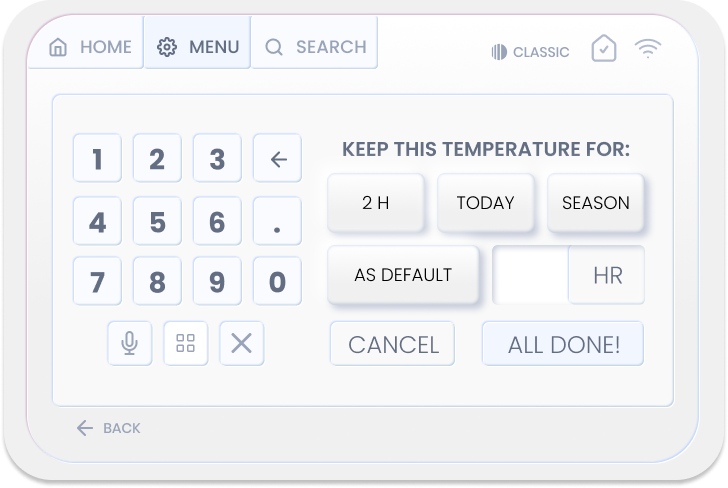
Optional Settings: if needed, users can pick a specific room for changes, or set a time period for a particular temperature. They can use either a tap input or a voice assistant.

No items found.
No items found.

Project Results

Project wins & Outcomes

  • Production-ready Classic mode – an interface for seniors and users who prefer tangible devices over modern interfaces
  • A multi-mode thermostat system that adapts to different user types (Classic, Default, Guest), proving that one device can serve conflicting needs without compromising usability
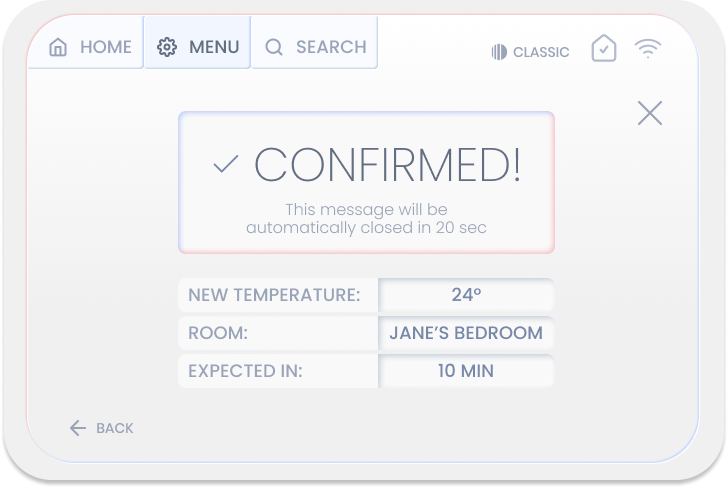
  • Clear temperature-change journey in predictable steps:
    • Trigger (motion sensor)
    • Direct change
    • Optional customization
    • Confirmation
  • Modern technology applied to serve users' needs – motion sensor, voice & tap interactions
  • Neumorphic design for a tangible-like experience without complicating the interface with physical inputs. This solution helped keep the device simple and use a single model across different modes & target audiences.

Limitations

  • Limited formal usability testing due to academic timeline
  • Team composed entirely of designers, requiring additional effort to define roles and structure collaboration
  • Prototype scope focused primarily on Classic Mode

Future plans

  • Finalize UX flows and documentation for all modes (Default, Guest, Kids)
  • Do usability testing with seniors and multi-generational households
  • Develop Kids Mode with simplified controls and parental safeguards

Please, briefly share the highlights of your project:

- Is it for print or web?
- What is the deadline?
- What do you expect from our collaboration?

and anything else you see as important!

Thank you! Your submission has been received!
Oops! Something went wrong while submitting the form.